A more private place for your links
Your links.
Your privacy.
Keep personal bookmarks discreet, browse with isolated sessions, and search with more
control—all in one focused iPhone app.
No account
On-device storage
Built for iPhone
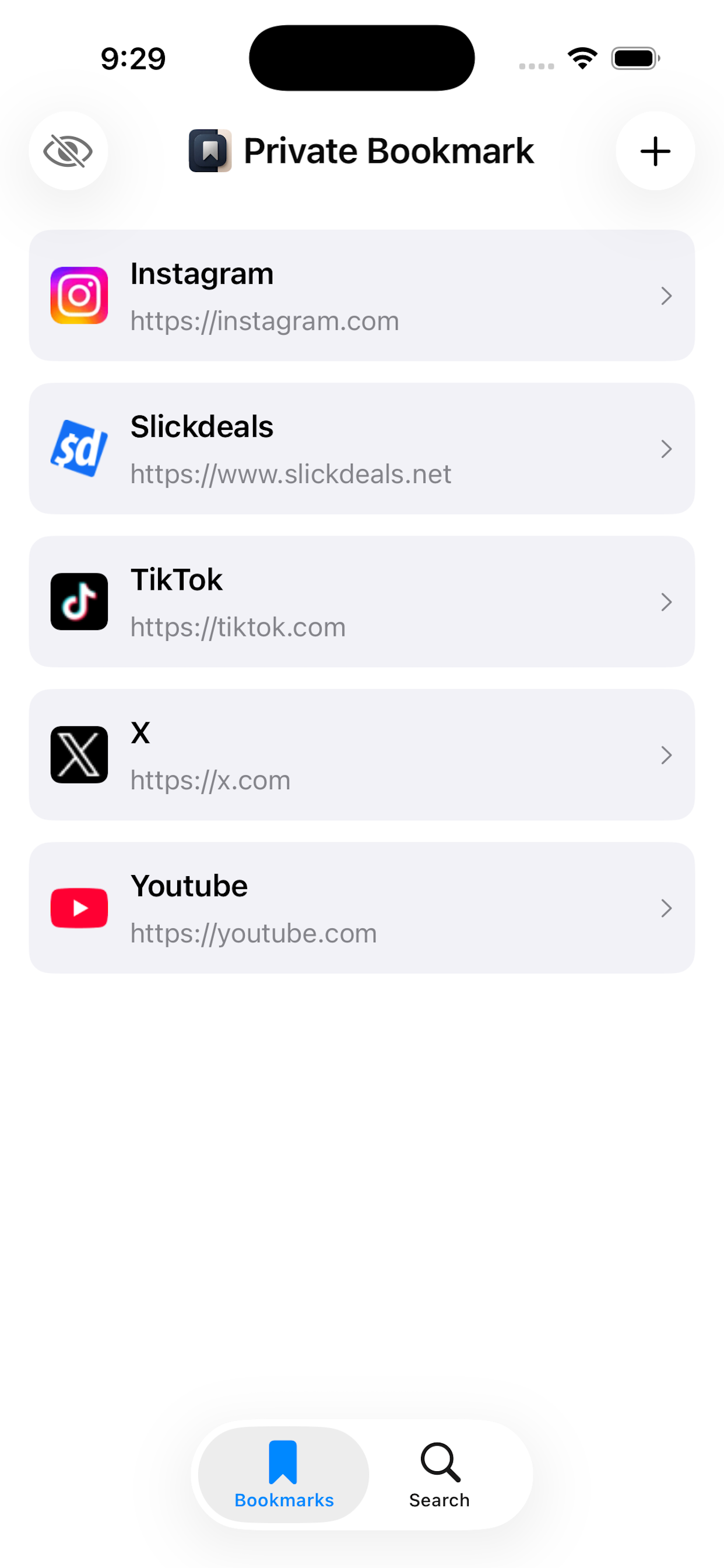
Hidden bookmarksProtected by authentication
⌁
Session isolatedSeparate browsing data
✓
Content blockingEnabled for this bookmark
One app. Four layers of control.
Hidden bookmarks
Isolated sessions
Content blocking
Private search
Privacy, your way
Every bookmark gets
its own boundaries.
Choose the settings that fit each link instead of settling for one browsing mode for
everything.
01
Out of sight.
Still close at hand.
Hide sensitive bookmarks from your main list, then use Face ID, Touch ID, or your
device passcode to reveal them.
⌗
Hidden bookmarks
Authenticate to reveal
02
⌁
Sessions that stay separate
Give individual bookmarks isolated website sessions while keeping each one ready for
your next visit.
03
✓
Less noise while you browse
Turn on content blocking per bookmark to stop many ads and trackers.
04
GoogleBingDuckDuckGoBrave
Your search engine. Your choice.
Search in a temporary private session and keep control of your recent query list.
Effortlessly organized
Save now.
Find it later.
Send a link to Private Bookmark from the iOS Share Sheet, choose its privacy options,
and it is ready when you are.
- 1
Share a linkFrom Safari or another app
- 2
Set your preferencesPrivate, hidden, or content blocked
- 3
Browse your wayIn the focused built-in browser
Private by design
Your bookmark list belongs to you.
Your bookmarks and preferences are stored locally on your device. There is no account
to create and no profile to manage.
✓Local storageYour bookmark library stays on your device.
✓No account requiredOpen the app and start saving.
✓Control per bookmarkUse only the privacy tools you want.
Coming soon
Keep what matters.
Keep it private.
Private Bookmark is coming soon to the App Store for iPhone.